


AI tools are showing up in more construction workflows, including cameras, sensors, drones, connected equipment systems, reporting platforms, and software that flags patterns or anomalies for review. Construction Executive recently highlighted the core management question behind that shift: where should automation stop on a jobsite, and who decides?
That question matters because a jobsite can collect more information without becoming any safer if decision authority gets blurry. A tool may surface patterns faster than a field team can spot them on its own. It may help organize photos, draft observations, or flag potential hazards. But when a technology output starts to influence whether work proceeds, whether an area is entered, or whether a control measure is acceptable, contractors need a clear line between support and authority.
For Colorado and Wyoming contractors, that line is not just a technology issue. It is a supervision, accountability, and risk-management issue. The practical goal is simple: use AI in construction safety to improve visibility and response while keeping safety-critical field decisions under named human control.
At its best, AI in construction safety helps teams process information faster. It can support review of large volumes of observations, images, sensor readings, and project records that might otherwise be missed or delayed.
Common support uses can include:
These are useful roles because they improve visibility without pretending the software understands the full field context. The tool is helping a contractor review information; it is not acting as the superintendent, foreman, or competent person.
That distinction is especially important for contractors already exploring related technology categories such as drones, connected wearables, or broader data science in construction. The value often comes from faster review and better prioritization, not from handing the tool final authority.
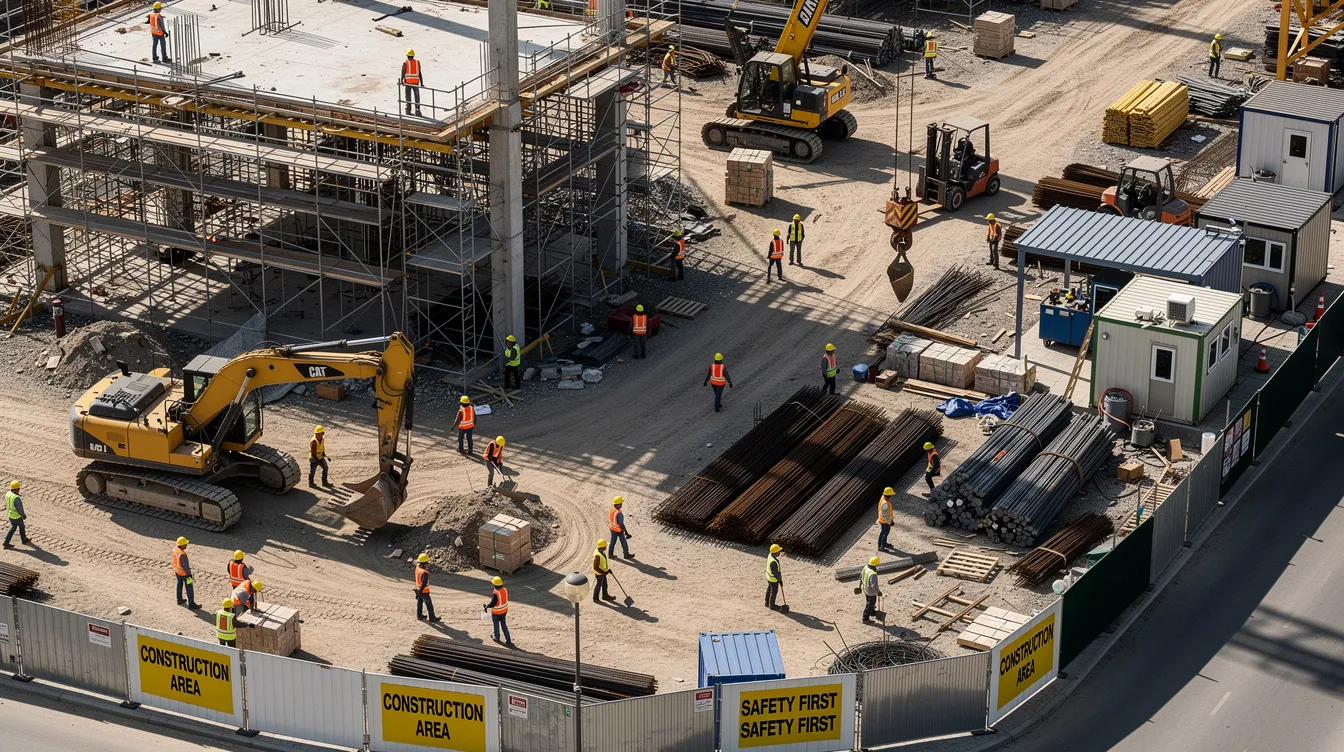
One useful way to manage AI in construction safety is to set a safety ceiling. You reach that ceiling when a decision could directly expose workers to serious harm if it is wrong.
In practical terms, the ceiling is not about whether a tool is sophisticated. It is about consequence. If a wrong output could lead a crew to enter a hazardous area, continue unsafe work, remove a control, or rely on a false sense of clearance, the final decision should remain human-led.
Examples of decisions that should stay above the safety ceiling include:
AI may still contribute to those decisions. It may provide images, readings, trend lines, or alerts that help a field leader assess the situation faster. But it should not be treated as the decision-maker.
Federal safety guidance supports a cautious approach to automation in hazardous work. OSHA’s archived robotics guidance emphasizes that robot safety systems should be based on hazard analysis of the specific operation, including human error and possible malfunctions. OSHA’s construction safety recommendations also emphasize using the hierarchy of controls, with engineering controls preferred over administrative controls and personal protective equipment.
For contractors, the practical takeaway is not that every AI feature is prohibited. Automated systems still need hazard analysis, clear operating boundaries, and human accountability. A dashboard alert or pattern-recognition tool does not remove the need for competent supervision, field verification, or safe work planning.
Similarly, OSHA’s technical manual discusses collaborative robot applications by referencing consensus-standard risk-assessment practices for each application. That reinforces the same core point for construction leaders: evaluate the actual use case, the actual task, and the actual failure consequences before trusting automation around people and moving work.
To keep roles clear, contractors can place each AI or automation feature into one of three buckets before rollout.
Support
Support functions help collect, sort, summarize, or surface information.
Review
Review means a named person interprets the output, compares it to actual site conditions, and decides whether it matters.
Decision
Decision means a human with the right field authority makes the final call on work status, access, sequencing, or hazard control.
This framework is simple on purpose. It helps project teams separate a tool that informs a decision from a tool that is being treated like the decision-maker.
The biggest governance mistake is deploying a tool without naming who owns it, who reviews it, and who can override it.
On many commercial and industrial projects, authority can be assigned in a practical chain like this:
A workable governance plan should identify three roles for each tool:
That matters on multi-employer projects in Denver, the Front Range, Northern Colorado, Colorado Springs, and Wyoming alike. If alerts, camera review, wearables, or other automated workflows affect subcontractor crews, the authority structure should be clear before work begins.
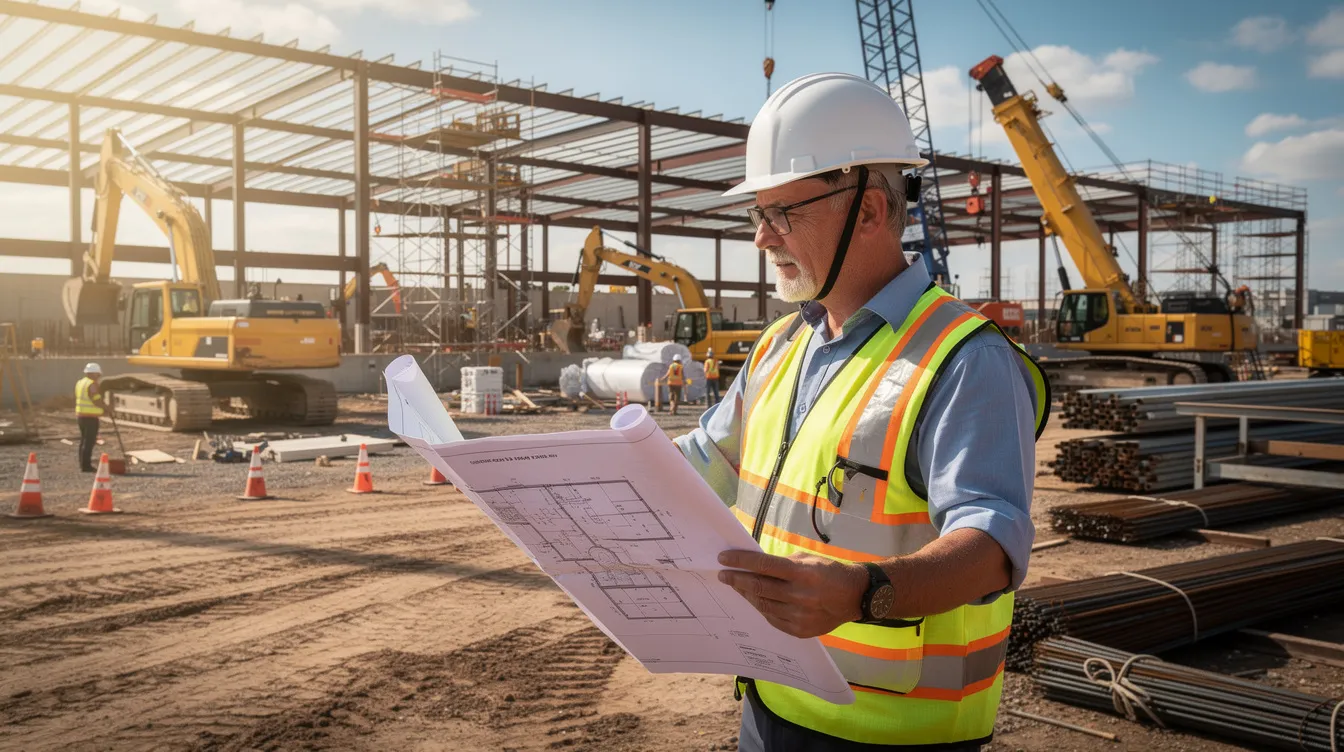
Regional conditions affect how you should supervise automation, even when you use the same tool in both states.
In Colorado, dense and fast-moving jobsites may involve multiple trades, overlapping scopes, tighter delivery windows, and more frequent interaction between crews and equipment. That can make AI-supported visibility attractive, but it also raises the stakes when teams start trusting alerts without enough field verification.
In Wyoming, remote projects can present a different challenge. Long travel distances, fewer onsite supervisors, and inconsistent connectivity may make contractors more interested in tools that extend visibility across distance. But those same conditions can also make delayed review, communication gaps, or overreliance on incomplete data more dangerous.
In both states, the lesson is the same: technology can extend awareness, but it should not quietly shift authority away from the people responsible for safe execution in the field.
Contractors do not need a long policy document to start managing this well. They do need a short written boundary for each live use case.
You can build that boundary into project startup materials, pilot documents, site-specific safety planning, or a short internal decision-rights matrix. It should answer a few practical questions:
ABC Rocky Mountain has already published related guidance on using a jobsite boundary memo before piloting AI-enabled safety technology. For this article’s purpose, the main point is narrower: document the decision boundary before the technology starts influencing live work.
That written boundary should also connect to broader data-handling expectations where relevant. If a tool stores images, worker-related data, or recurring site observations, the rollout should align with wider company practices around construction data governance.
Contractors often understand the concept faster through examples than through abstract policy language.
In each case, the technology supports awareness. It does not replace inspection, judgment, or accountability.
AI governance should not sit off to the side as a technology experiment. It should fit into the systems contractors already use to manage safety performance.
That can include:
For ABC Rocky Mountain members, that makes STEP a natural fit for the broader management side of this conversation. The goal is not to create a separate “AI program.” The goal is to ensure technology use reinforces the existing safety culture, accountability structure, and field decision process.
If your company is evaluating AI in construction safety, start with one live workflow, not an enterprise-wide promise.
For Colorado and Wyoming contractors, that is the practical line to hold: let technology improve visibility, but do not let it quietly absorb authority that still belongs to experienced people in the field.
Below are answers to common questions about this topic.
Some automated shutdowns and interlocks are long-established engineering controls, not new AI decision systems. Contractors should distinguish between a fixed protective control designed for a known hazard and a system using broader pattern recognition to make dynamic field decisions. When an AI-enabled feature could stop equipment or restrict access, clearly document and understand the logic, authority, reset process, and override procedures before use.
Small contractors can still use the same framework. One person may hold multiple roles, such as owner, superintendent, and reviewer, but the roles should still be named. Even a brief written boundary that says what the tool may do, what it may not do, and who has final authority is better than leaving those assumptions unstated.
Requirements can vary by contract terms, data type, and jurisdiction, so this article is not legal advice. Operationally, contractors should communicate clearly about what is being monitored, why the tool is being used, who can see the information, and how long it is kept. If a use case could affect employment-related decisions rather than ordinary safety support, it deserves narrower legal review.
At minimum, crews and supervisors should understand what the system does, what kinds of alerts or outputs it creates, who reviews those outputs, when the system may be ignored or overridden, and who keeps final decision authority. Training should focus as much on response expectations and authority as on the software itself.
Start with a lower-risk support use case such as documentation support, observation sorting, or routine alert review. Avoid beginning with any workflow where the technology would be treated as the final word on whether a hazardous condition is acceptable. The safest first pilot usually improves visibility without confusing who still makes the call.


