


Construction robotics safety is becoming a live issue on Colorado and Wyoming jobsites as autonomous and semi-autonomous machines arrive faster than many safety plans can adapt. It is no longer a future concern; it is a present-day operational decision that affects contractors evaluating layout robots, automated guided vehicles, semi-autonomous earthmovers, or inspection drones. This briefing translates current federal guidance into practical field controls for contractors across Denver, the Front Range, Northern Colorado, Colorado Springs, and Wyoming.
Semi-autonomous dozers grading Front Range subdivisions. Layout robots following digital models across Denver healthcare renovations. Drones inspecting facades in Colorado Springs. Automated guided vehicles moving materials through congested high-rise cores. These are not pilot concepts; they are active deployments reshaping how construction work gets done in Colorado and Wyoming. Robotics in construction increases efficiency but presents jobsite hazards that traditional safety plans were never designed to address.
By 2018, over 2 million robots were in workplaces worldwide, and adoption in the construction industry has accelerated sharply since. On Colorado and Wyoming construction sites, robotics are most likely to appear first in repetitive, high-exposure tasks: material handling, moving heavy loads, layout, inspection, and work in hazardous environments. Robotics enhances construction safety by removing workers from high-risk environments, but the safety conversation must shift from “operator error” to “human-machine choreography.”
Construction robotics safety is the integrated set of policies, training, engineering controls, and field practices that protect workers when autonomous or semi-autonomous machines operate alongside people. NIOSH’s October 2026 construction robotics bulletin and OSHA’s robotics guidance form the technical backbone. But employer duties under existing OSHA rules still apply, and for contractors in Denver, the Front Range, and Wyoming, robotics can help address workforce shortages and productivity only if deployed without increasing serious injury risk or regulatory exposure.
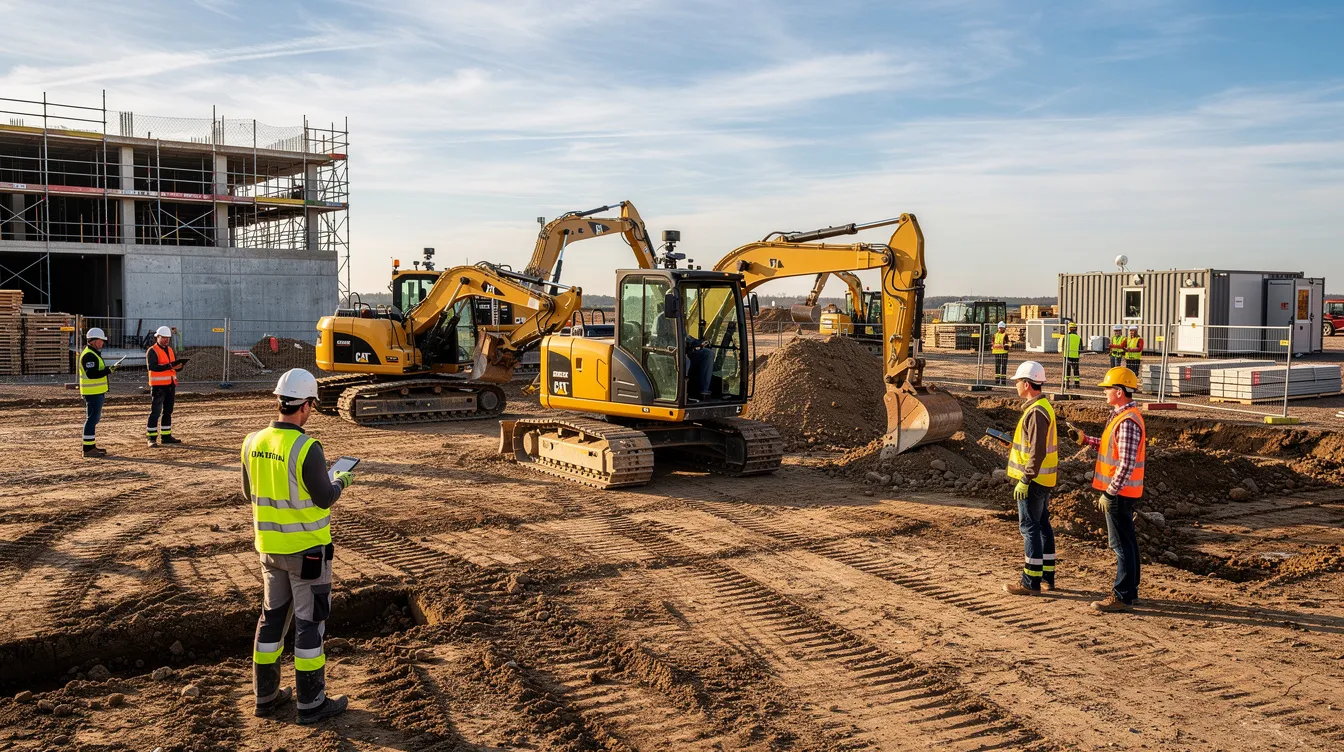
Autonomous construction equipment falls into three categories. Fully autonomous systems follow preprogrammed routes or tasks with minimal human oversight. Operator-assist systems, including collaborative robots, are designed to work safely alongside human workers, augmenting strength or precision. Remote-controlled or teleoperated machines keep the human operator at a distance.
For Rocky Mountain contractors, recognizable examples include:
These robotic systems can reduce the need for human labor in dangerous locations. Autonomous heavy equipment minimizes worker exposure to unstable terrain. Automated guided vehicles reduce injuries from heavy lifting tasks.
Each of these systems relies on integrated sensors, software, wireless communication, and sometimes digital twins or BIM data to perform tasks, and some platforms use artificial intelligence with those inputs to adjust behavior as site conditions change. Digital twins can simulate construction activities to improve safety planning. This technology stack changes how contractors must think about failure modes and hazard recognition: a sensor obscured by snow or dust, a communication failure, or a software update can alter machine behavior without warning.
Many robotic devices include vendor safety features such as geofences, proximity detection via presence-sensing devices, and emergency stop buttons. But those safety functions must be integrated into the job’s overall risk assessment and site rules to be effective. Vendor demos alone do not constitute a safety program.
NIOSH’s core message is clear: construction automation and robotic technology can significantly reduce worker exposure to hazardous and physically demanding tasks. Robotics reduces musculoskeletal injuries from repetitive construction tasks, assists with heavy lifting, and improves task accuracy. Robots can perform hazardous tasks, reducing worker exposure. Integrating AI and robotic systems on job sites improves hazard detection, and AI-powered monitoring systems can predict hazards in real time. AI-driven analytics can reduce workplace accidents by 87%.
But human-robot interaction can introduce hazards, especially on changing construction sites where work zones, trades, and environmental conditions shift daily. As conditions change, robots interact with workers, vehicles, and other equipment in ways that can create both direct and indirect risk. Construction robots can introduce new hazards in dynamic environments, and human-robot collaboration can lead to both direct and indirect risks.
NIOSH highlights these common hazards for robotic systems:
Unexpected robot movements can cause contact injuries. On a congested Denver interior or a windy Wyoming site, these risks intensify.
OSHA enforces workplace safety standards in the construction industry and emphasizes hazard prevention during robot programming, testing, and maintenance. OSHA’s finding is stark: many robot accidents happen during non-routine operating conditions such as programming, maintenance, testing, setup, or adjustment, when workers may be inside the robot’s working envelope. Safety measures rely on international standards and construction risk assessments, but OSHA has no single robotics-specific standard. Enforcement uses existing rules for machine guarding, lockout/tagout, electrical hazards, walking-working surfaces, and personal protective equipment.
NIOSH recommends Prevention through Design, task-specific risk assessment, coordination among trades, and monitoring leading indicators (near misses, emergency stops, sensor faults, unauthorized entries to robot zones) as pillars of an effective construction robotics safety program.
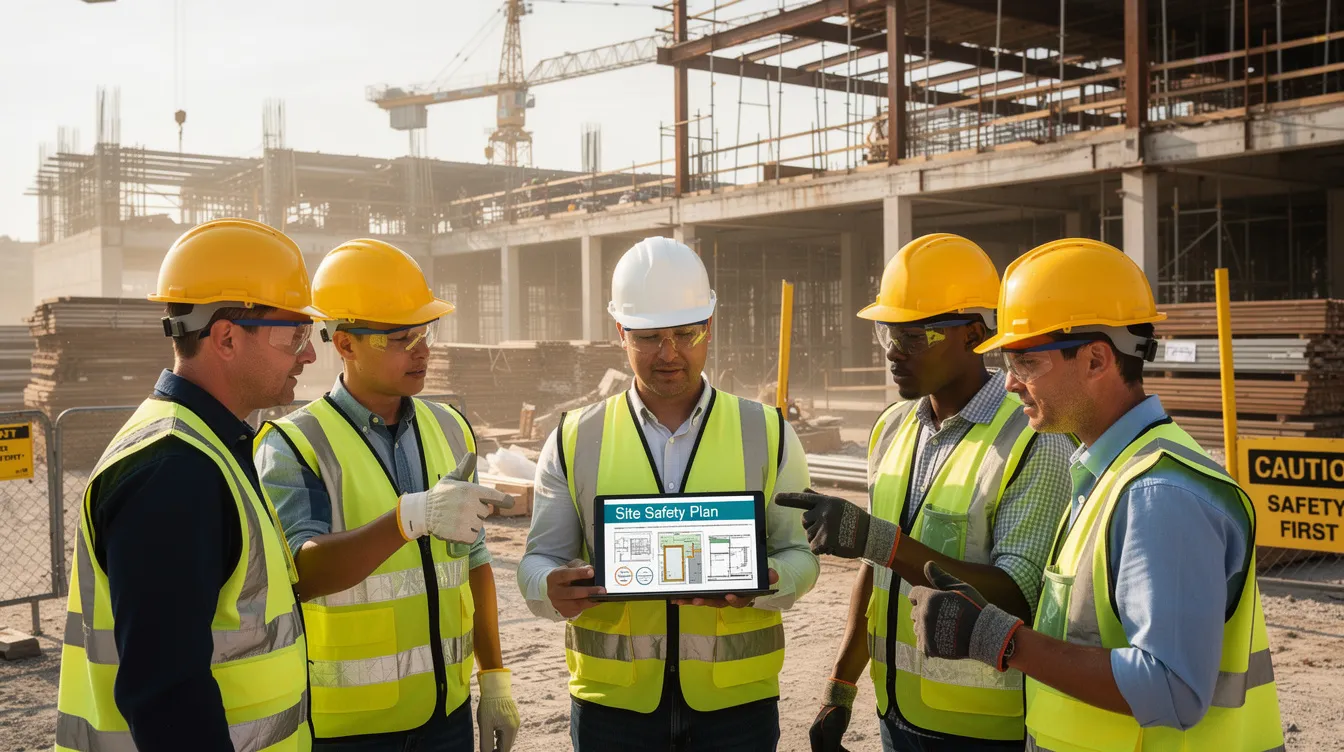
Robotics reshapes traditional construction hazards rather than eliminating them. Some construction workers are pulled out of immediate danger zones, but new risks concentrate around people who set up, supervise, walk near, or service automated equipment. Workers in those non-routine states (initial deployment, software updates, mode changes, manual overrides, troubleshooting) face the highest exposure.
Consider these regional scenarios:
Ruptured hydraulic lines can create dangerous high-pressure injury hazards. Electrical hazards can arise from robot power supplies and cords. Overhead hazards and communication failures compound when sites are spread out or visibility drops.
Nearby workers who are not trained as human operators face the highest risk. They may not understand how the robot senses obstacles, when it might move, or what its alarms mean. Daily briefings and visible signage are not optional; they are front-line controls in shared workspaces.
Before any autonomous system arrives on site, review it the way you would a Job Hazard Analysis meeting. Perform a Job Hazard Analysis (JHA) before deploying the robot. Employers must conduct task-based risk assessments for robot applications. Conduct risk assessments at each stage of robot application, and involve workers in the process.
Cover every task state:
For each state, document potential hazards: crushing and caught-between points, struck-by risks along travel paths, fall exposures during access, electrical hazards, hazardous energy stored in hydraulics or batteries, and communication failures.
Map work areas and travel routes on updated site drawings. Mark robot work zones, pedestrian crossings, staging areas, charging stations, and shared workspaces where human workers and other machines may mix.
This review is not one-and-done. Repeat it whenever layouts change, software or attachments are modified, near misses occur, or new sequences bring different trades into the robot’s vicinity.
Walk through the hierarchy of controls for each identified hazard:
Engineering controls (most effective):
Use ANSI/RIA R15.06-2012 for robot safety standards compliance. ANSI/RIA R15.06-2012 outlines safety standards for industrial robots. ISO 10218 specifies safety requirements for industrial and collaborative robots. Collaboration between robots and workers requires adherence to safety standards, and emergency systems should be tested regularly to ensure functionality.
Administrative controls:
Pre-planned recovery procedures for foreseeable failures: communication loss, a stopped robot blocking exits, tipped equipment, battery incidents, obstructed sensors, and false-positive stops. Each procedure should include energy isolation steps where needed.
Training is crucial for operating and interacting safely with construction robots. Employers must teach workers to recognize unsafe conditions. Training must match workers’ assigned tasks and roles, and employers should provide safety training before job assignments.
Differentiate three layers:
Workers must demonstrate competency before operating robots. Assign role-based permissions rather than a single “robotics trained” label:
| Role | Training Content | Permissions |
|---|---|---|
| Nearby craft worker | Modes, alarms, emergency stop locations, exclusion zones | Awareness, reporting |
| Day-to-day operator | Full operational procedures, routine troubleshooting | Operate, routine adjustments |
| Programmer/integrator | Software, teach pendant, system configuration | Programming, mode changes |
| Maintenance worker | Energy isolation, stored energy, component service | Lockout/tagout, repairs |
Training records must document each worker’s task permissions. Training records must include task limits and reporting instructions. Keep these records organized but accessible so supervisors can verify qualifications before assignments, linked to specific models, tasks, and procedure versions.
Every worker in or near robot zones should know how to recognize the robot’s operating modes, normal sounds and lights, emergency stop locations, exclusion-zone markings, and how to report abnormal movement or near misses.
Follow hazardous energy isolation protocols for robotic equipment in construction. A robot that has stopped moving is not necessarily de-energized. Stored energy in hydraulics, pneumatics, capacitors, batteries, gravity, and mechanical springs can release without warning.
Common hazardous energy sources for construction robotics:
Develop written shutdown and restart procedures for each robotic system, covering:
29 CFR 1926.417 covers electrical lockout and tagging requirements. On multi-employer and multi-shift jobs, use lockboxes or group lockout devices for shared tasks, define which employer controls each robot’s energy, and establish handoff procedures at shift change.
Workers must never bypass interlocks, guards, or energy-isolation steps to save time. Stop work and verify energy control before proceeding if you see unexpected movement, unexplained alarms, or compromised guarding.
Routine inspections are essential for maintaining robotic systems in construction. Regular checks on mechanical and electrical components are necessary for robotic safety.
Every shift, before start-up:
After any trigger event (software update, physical relocation, repair, major site change): repeat the full inspection.
Use leading indicators to catch problems before injuries occur:
When a safety-critical inspection fails, the machine behaves unpredictably, or workers report unsafe interactions, take that robot or automated guided vehicle out of service immediately. Do not return it until qualified personnel correct and verify the issue.
Maintain a “robotics safety file” for each project: hazard assessments, control decisions, inspection records, incident and near-miss reports, training and authorization logs, and robot manufacturer bulletins.
Use this before piloting or expanding autonomous equipment:
Pilot robotics on a limited scope first, such as a single floor or one repetitive task, so you can test controls, communication plans, and worker acceptance before broader rollout. Integrating robotics across multiple Colorado or Wyoming projects without field-tested controls is a recipe for serious incidents.
Your next step: choose one upcoming project in Denver, the Front Range, Northern Colorado, Colorado Springs, or Wyoming where you’re considering new technologies like robotics or automated equipment. Run it through this checklist before finalizing vendor agreements.
ABC Rocky Mountain’s safety programs page provides access to the STEP Safety Management System, safety training, and Safety Peer Group opportunities that members can use to benchmark and improve their safety management systems as they add autonomous construction equipment. Participation in STEP helps companies measure leading indicators, lock in consistent processes for hazard recognition and risk assessment, and compare their controls with other firms beginning to integrate robotics.
Complementary resources such as construction safety leadership development, modern crane safety training for high-tech lifting equipment, and education on data science in construction help firms tie robotics into broader digital strategies. These resources reinforce, rather than replace, site-specific robotics planning.
Engage with ABC Rocky Mountain’s safety team or Safety Peer Group before the first autonomous machine arrives on your job site. Stress-test your plans, share lessons learned, and embed construction robotics safety into your overall safety culture and merit shop operations.
Below are answers to common questions about this topic.
Start with one clearly defined use case, such as layout robots or drones for inspection. Complete a scaled-down version of the risk assessment and checklist above, and lean on manufacturer support plus ABC Rocky Mountain’s Safety Peer Group for training and peer insight. Consider partnering with a trusted general contractor already piloting robotic devices to observe controls and supervision models before making significant investments.
Autonomous equipment does not reduce the employer’s duty to provide a safe workplace. It changes how hazards must be identified and controlled, often requiring updated training, machine guarding, lockout/tagout procedures, and hazard communication. Until OSHA issues robotics-specific standards, enforcement relies on existing rules for electrical hazards, hazardous energy, machine guarding, walking-working surfaces, training, and the General Duty Clause.
Communicate transparently about why the robotic technology is being deployed (safety improvements and productivity, not replacement of safe jobs). Involve crews early in planning, run hands-on demonstrations showing how controls and emergency stops work, and establish regular feedback loops through toolbox talks focused on human-robot interactions and near-miss reviews.
The employer must still meet OSHA and industry standards even if the manual is limited. Perform a site- and task-specific JHA, identify pinch points and energy sources, and add guards, procedures, or training beyond the manufacturer’s generic guidance. Consult safety professionals and reference consensus standards like ANSI/RIA R15.06-2012 and ISO 10218 for such systems.
Some contractors use digital twins or BIM models to simulate robot paths, test exclusion zones, and visualize conflicts before deployment. This reduces risk and improves hazard recognition during planning. Firms already investing in digital modeling should integrate robotics scenarios, then verify in the field that simulated paths and controls match real-world environmental conditions on Colorado and Wyoming job sites. Collecting data from these simulations strengthens ongoing risk assessment and helps improve efficiency across projects.


